Our own app
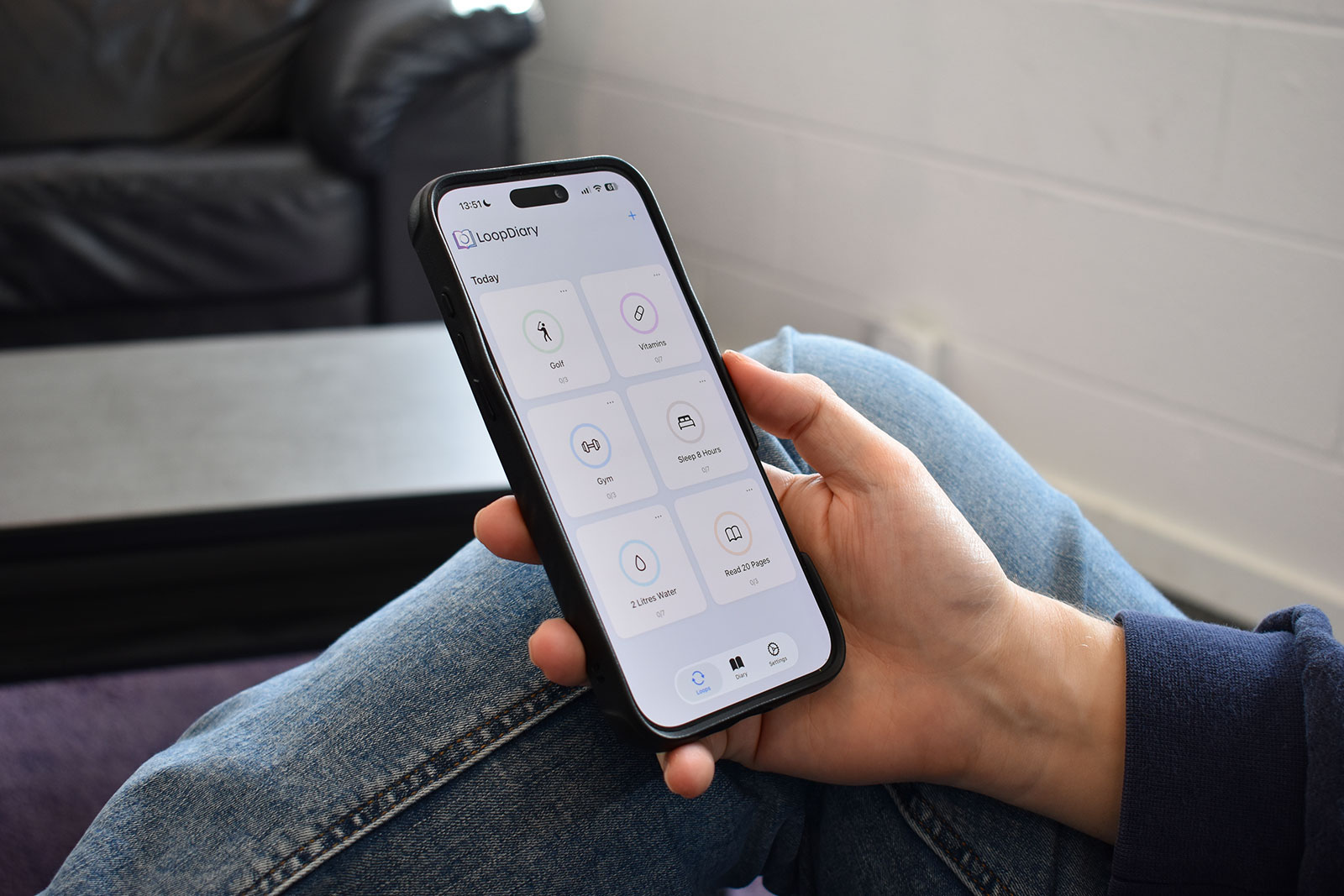
LoopDiary is a simple habit tracker app for iPhone that helps you stay consistent week by week.
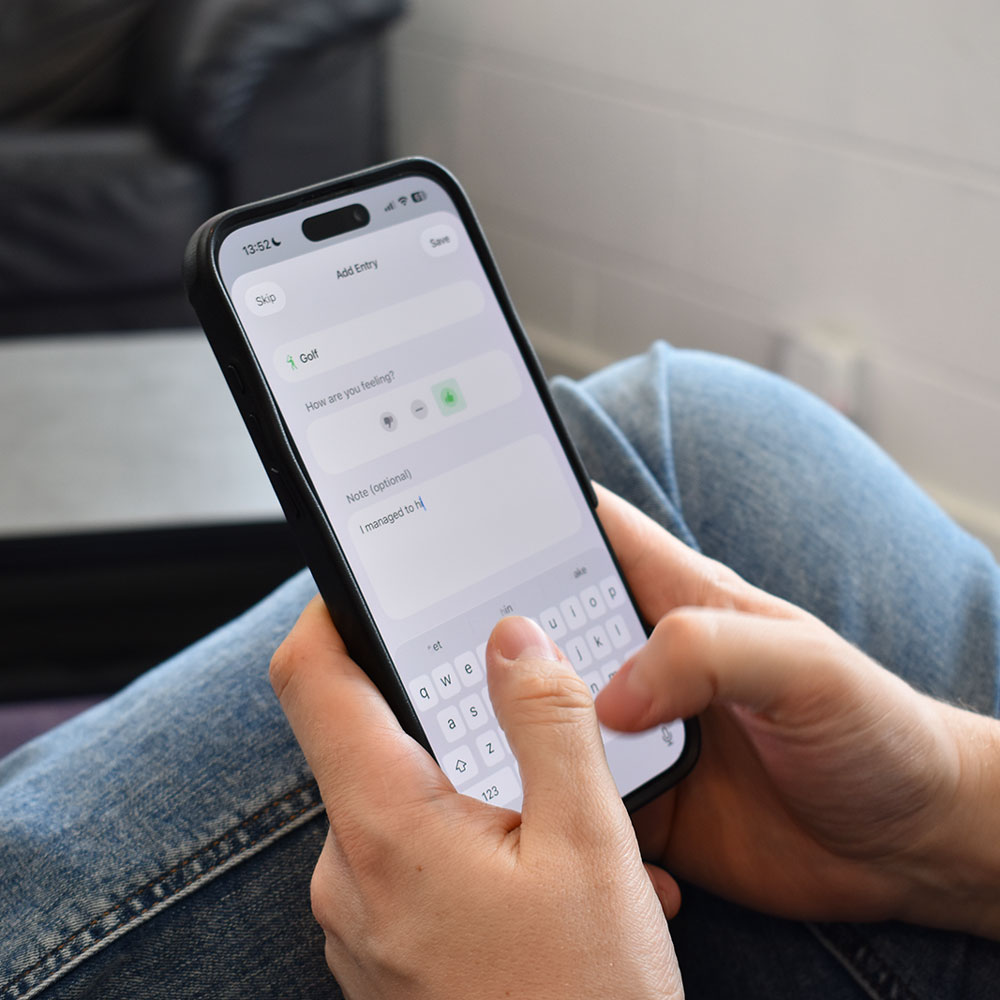
Track daily habits, build routines, and see clear weekly progress as you complete each task. When you want more than a tick or a streak, you can add a diary note to capture what helped, what got in the way, and how the habit actually felt.

Why LoopDiary
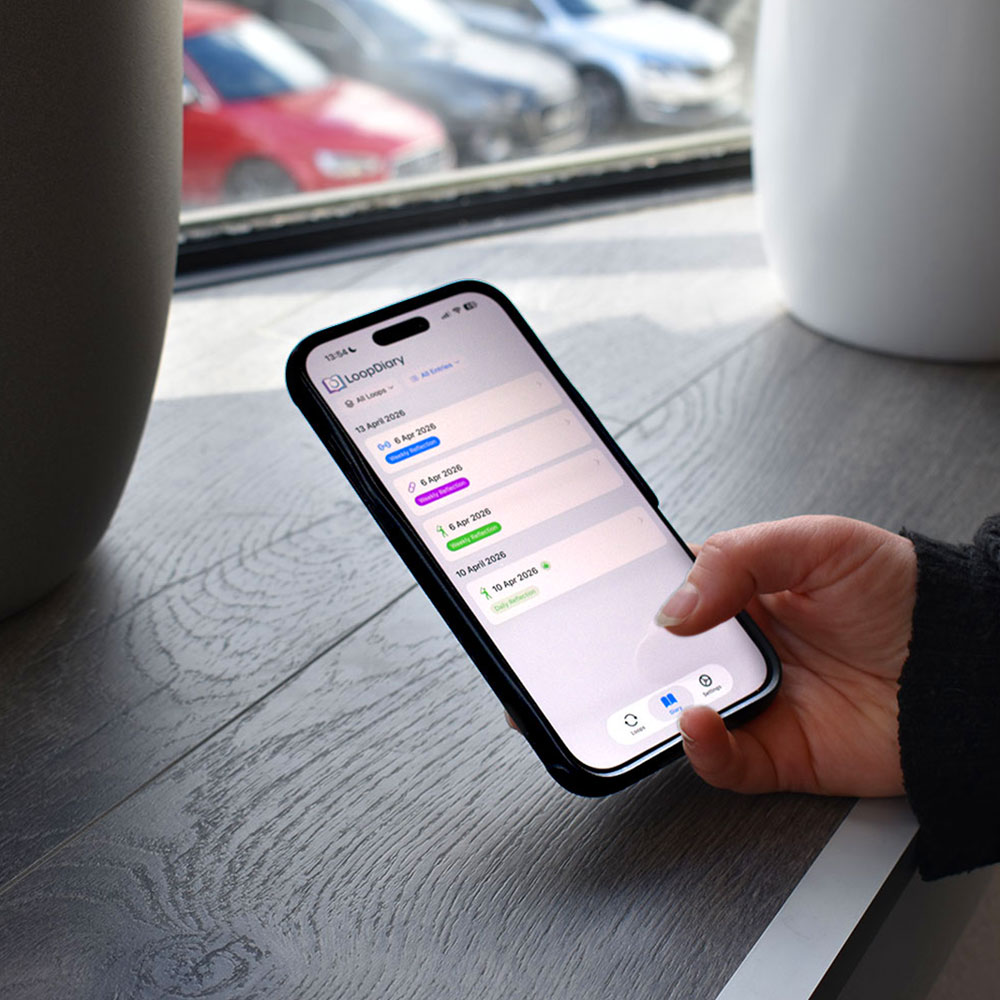
LoopDiary combines the clarity of a simple habit tracker with the insight of a lightweight journal. Instead of only showing that you completed a task, it also gives you the chance to remember why the day went well, what nearly stopped you, or what to repeat next time. It is built for consistency, not just counting.
Most habit tracker apps are built around streaks alone. LoopDiary was built to help people track habits more thoughtfully. You still get the speed of a simple daily habit tracker, but you also get the option to add context with a short diary entry when it matters. That makes LoopDiary useful not just for checking off tasks, but for understanding how routines form, where they break, and what helps you stay consistent over time.
What people track
The loops that come up most often.
How it works
Set up a habit, choose the days you want to complete it, and decide on your weekly target.
Tap the checkmark when you have done it. Your weekly progress updates instantly.
Capture a quick thought, mood, or tag if you want to remember what helped.
See whether you completed the loop and build a clear record of successful and missed weeks.
The stack
LoopDiary is a native iPhone habit tracker built for speed, clarity, and everyday use. It is designed for people who want a clean routine tracker without distractions , something fast enough to open, complete a task, and move on with your day.
Whether you are tracking daily habits, weekly goals, or a simple personal routine, LoopDiary keeps the experience lightweight while giving you the option to add reflections when you want them. The result is a habit tracking app that feels calm, practical, and easy to come back to.
Element Seven (internal product)
In development (TestFlight / App Store next)
Common questions
What is a loop in LoopDiary?
A loop is a habit you set up with the days you want to complete it and a weekly target. You tick off tasks through the week, and at the end of the week you see whether you closed the loop and how your weeks compare over time.
Is LoopDiary a daily habit tracker or a weekly habit tracker?
Both. You complete small daily tasks on the days you choose, while weekly targets and progress show how you are doing across the whole week.
Can I track habits on specific days?
Yes. When you create a loop you choose which days of the week the habit applies to, so routines can match your real schedule.
Do I have to write diary entries?
No. Diary notes are optional. You can use LoopDiary as a simple habit tracker with checkmarks only, and add a quick note, mood, or tag when you want extra context.
Is LoopDiary available for iPhone?
Yes. LoopDiary is built for iPhone and is available on the App Store.